What Is a Sitemap (and Why Shopify Won't Let You "Create" One)
A sitemap.xml is a machine-readable list of the URLs on your site that you want search engines and AI crawlers to know about. Rather than making a crawler discover every page by following links, the sitemap hands it an index up front. That matters most for pages sitting deep in a catalogue: a product that no collection currently links to is still listed in the sitemap, so it can still be found and indexed.
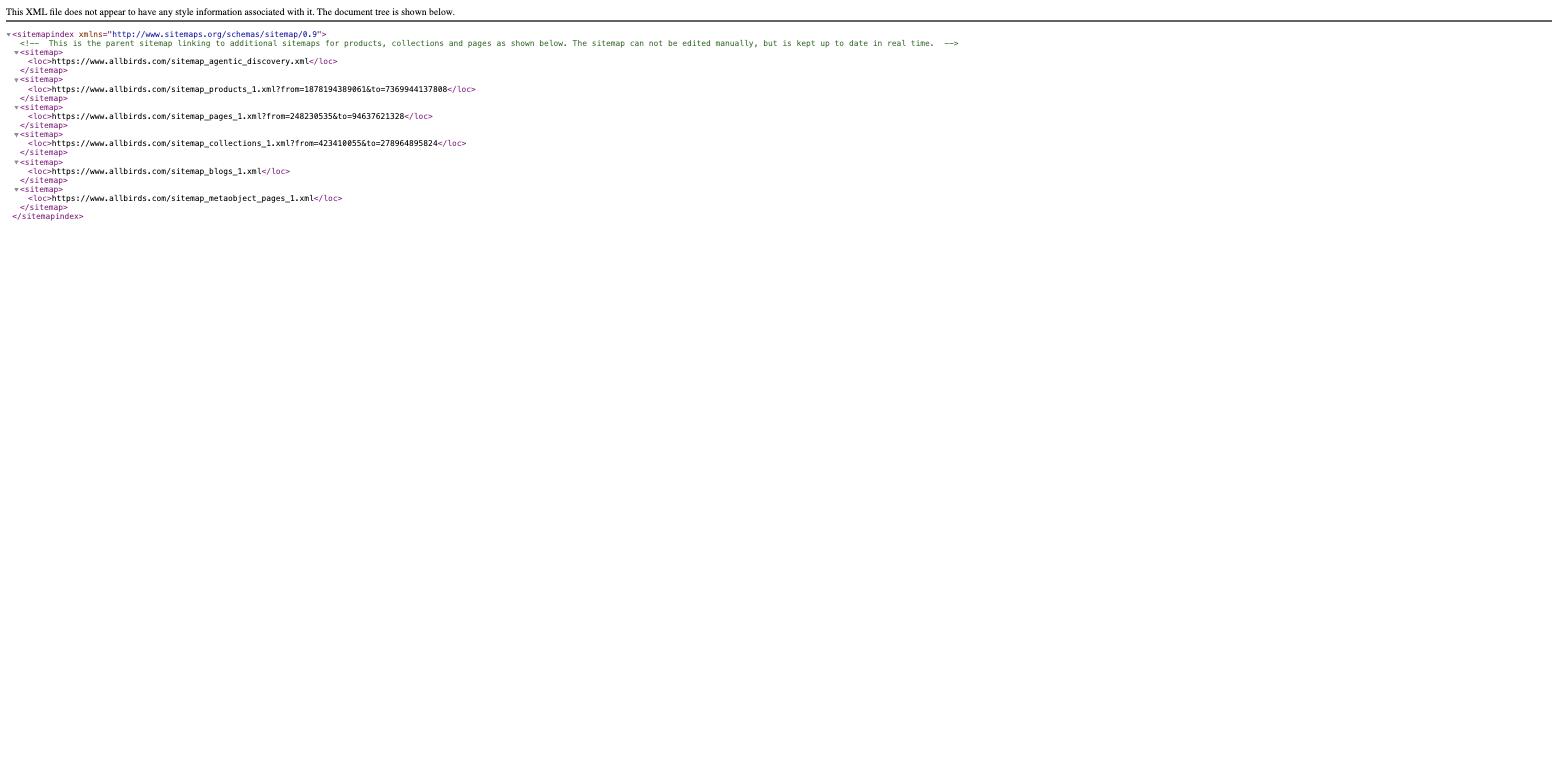
Here is the part that surprises most merchants. You cannot create a sitemap in Shopify, because Shopify already created it for you. Every Shopify store automatically generates a sitemap.xml at the root of its domain from the moment the store exists. There is no setting to switch on, no app to install, and no file to upload.
You also cannot edit it by hand. Shopify builds the file from your live catalogue, so it updates itself the moment you add, remove, or unpublish a product, collection, page, or blog post. That is a feature rather than a limitation — a hand-maintained sitemap goes stale the first time someone archives a product and forgets to update it.
Where to Find Your Shopify Sitemap
Two steps, no login, about thirty seconds.